- Came with Towndl 1.0
- Human + AI collaboration
- About this post
Towndl today: an offline computer for kids
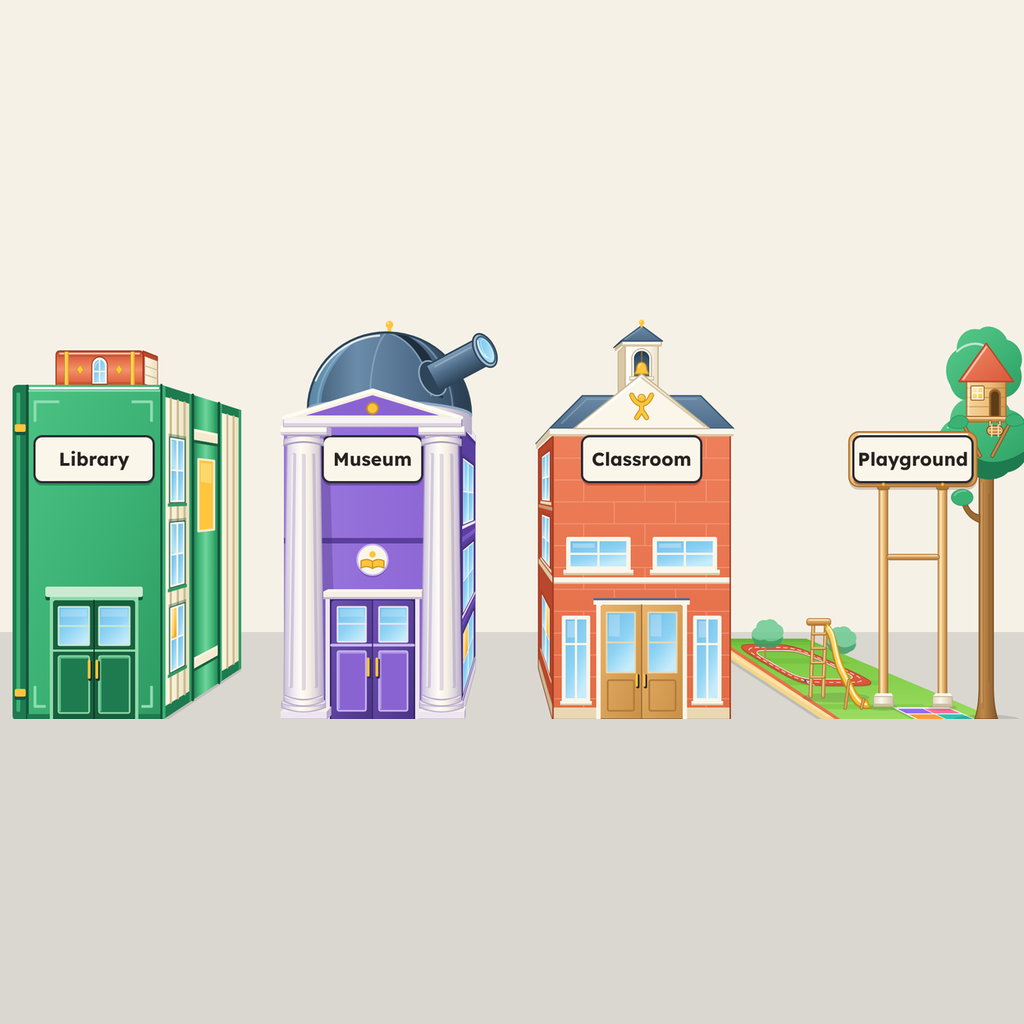
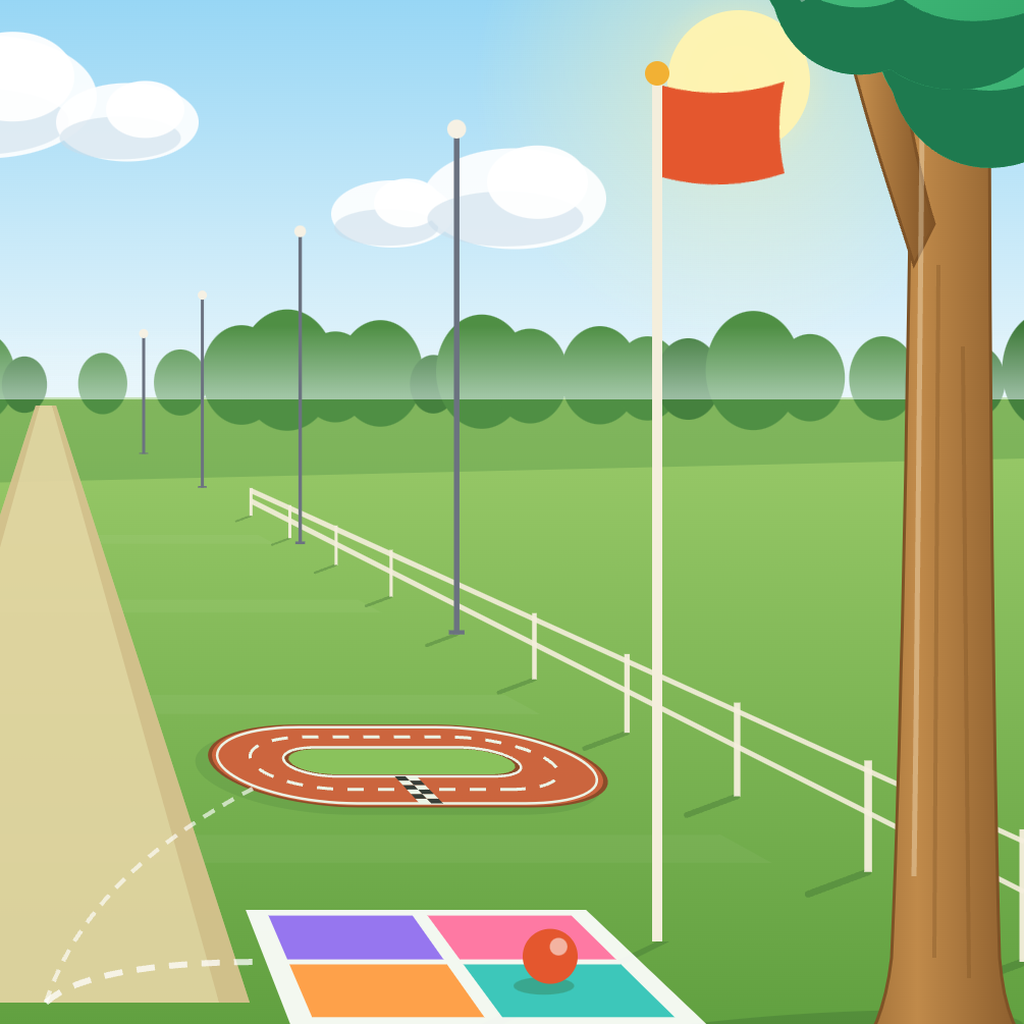
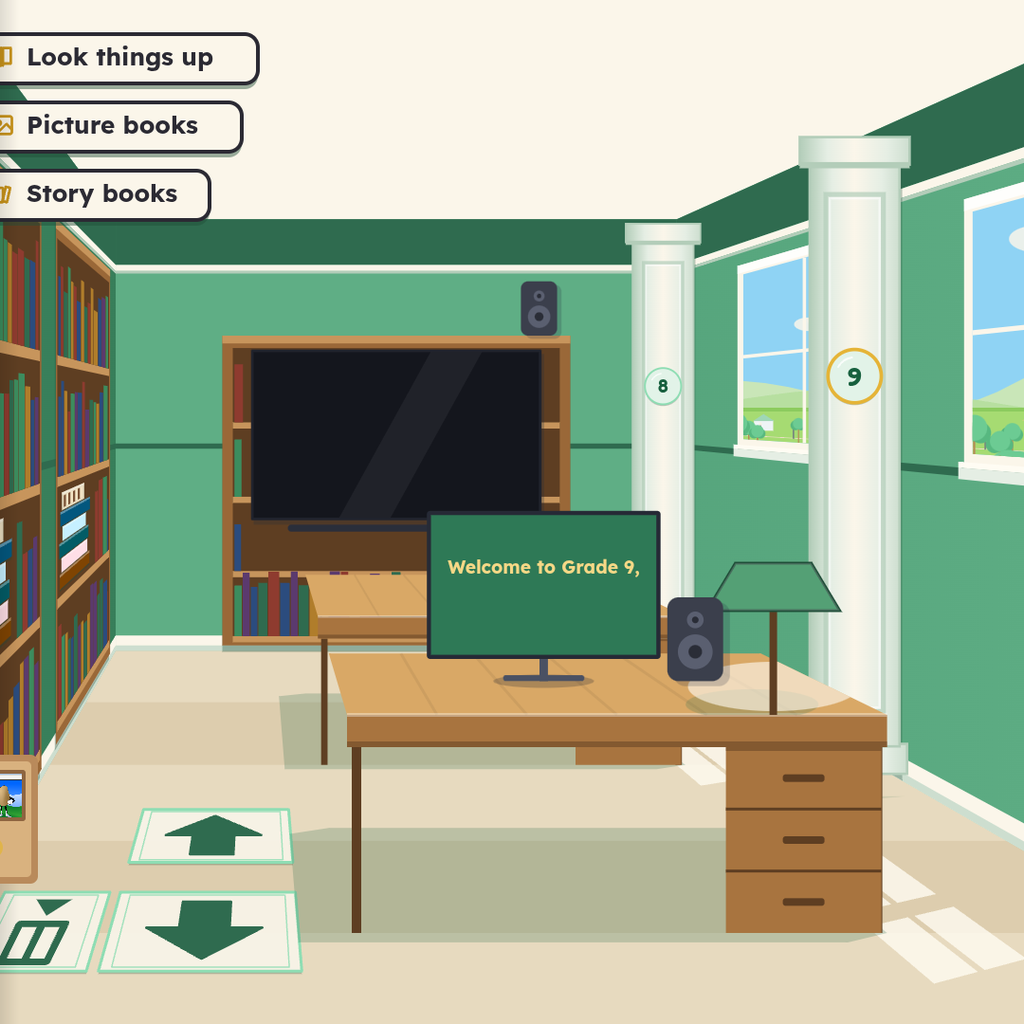
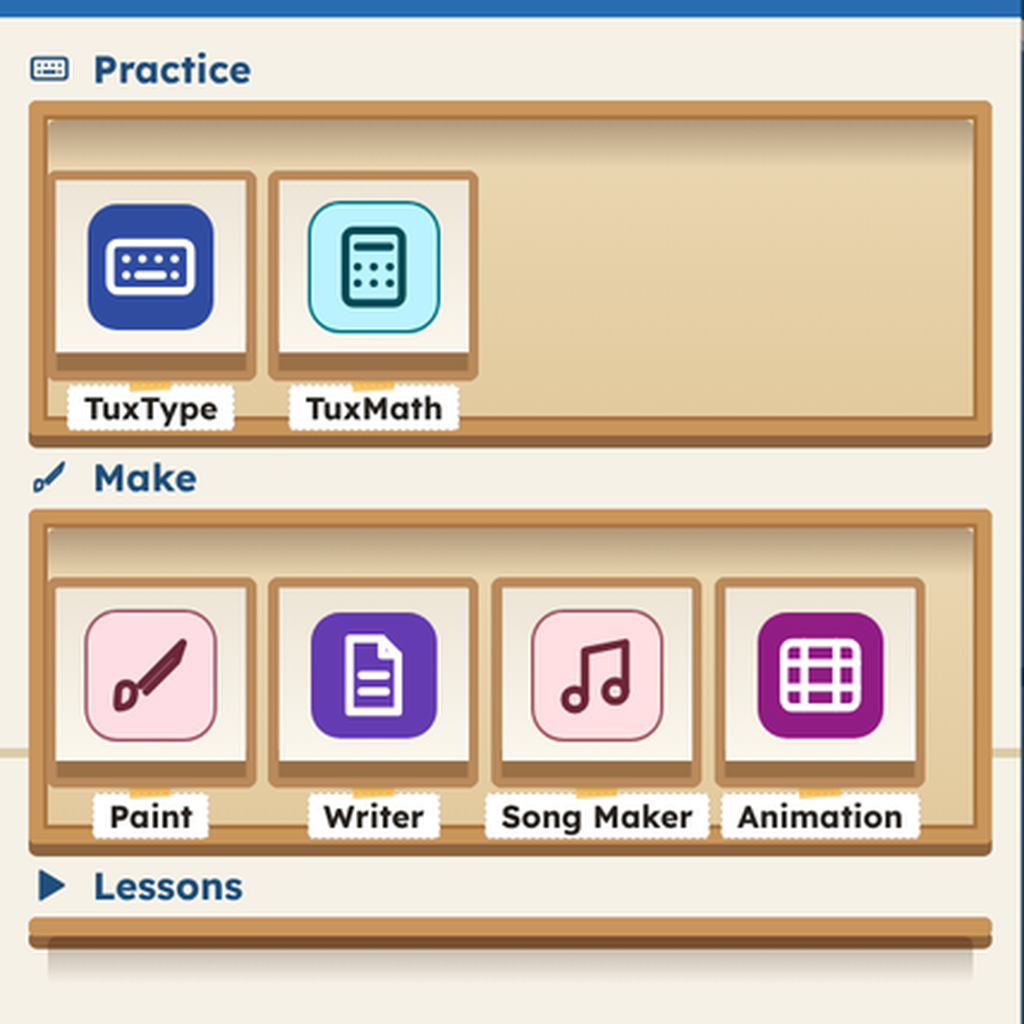
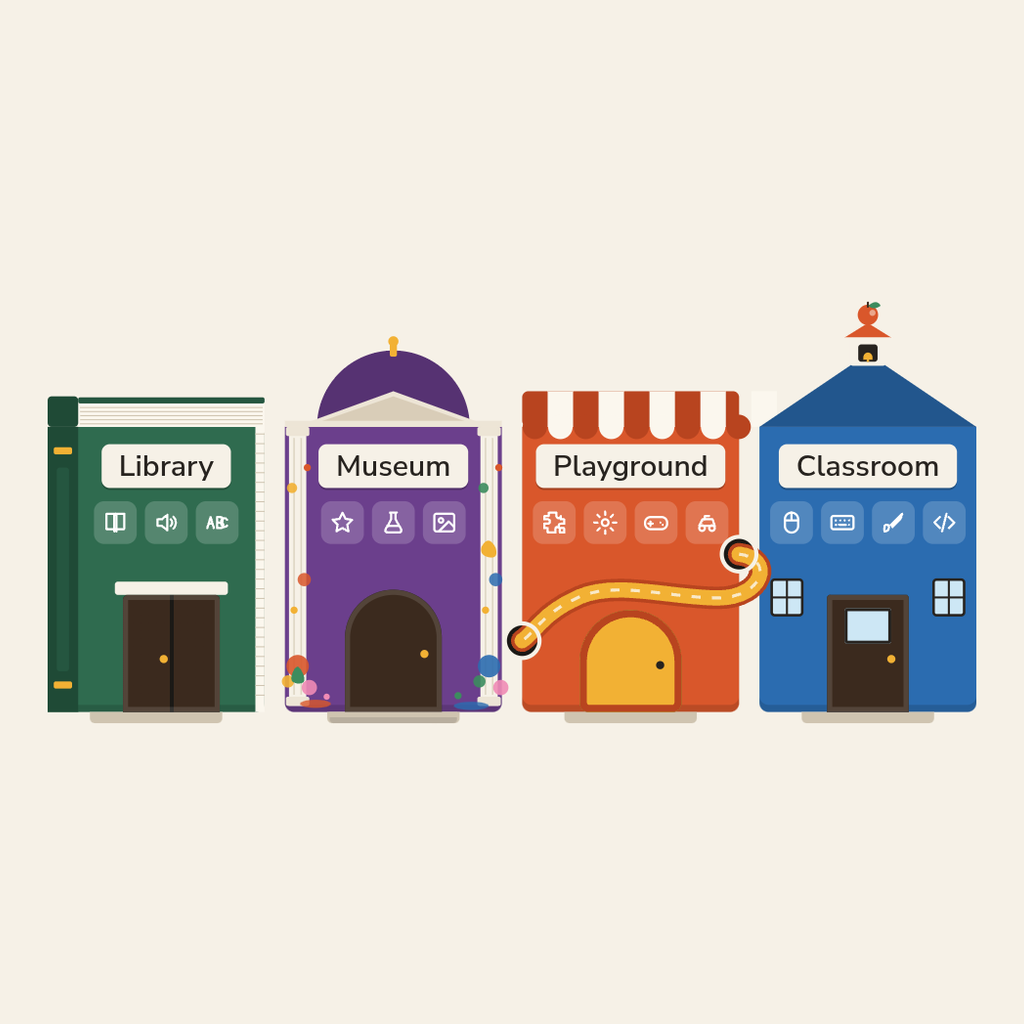
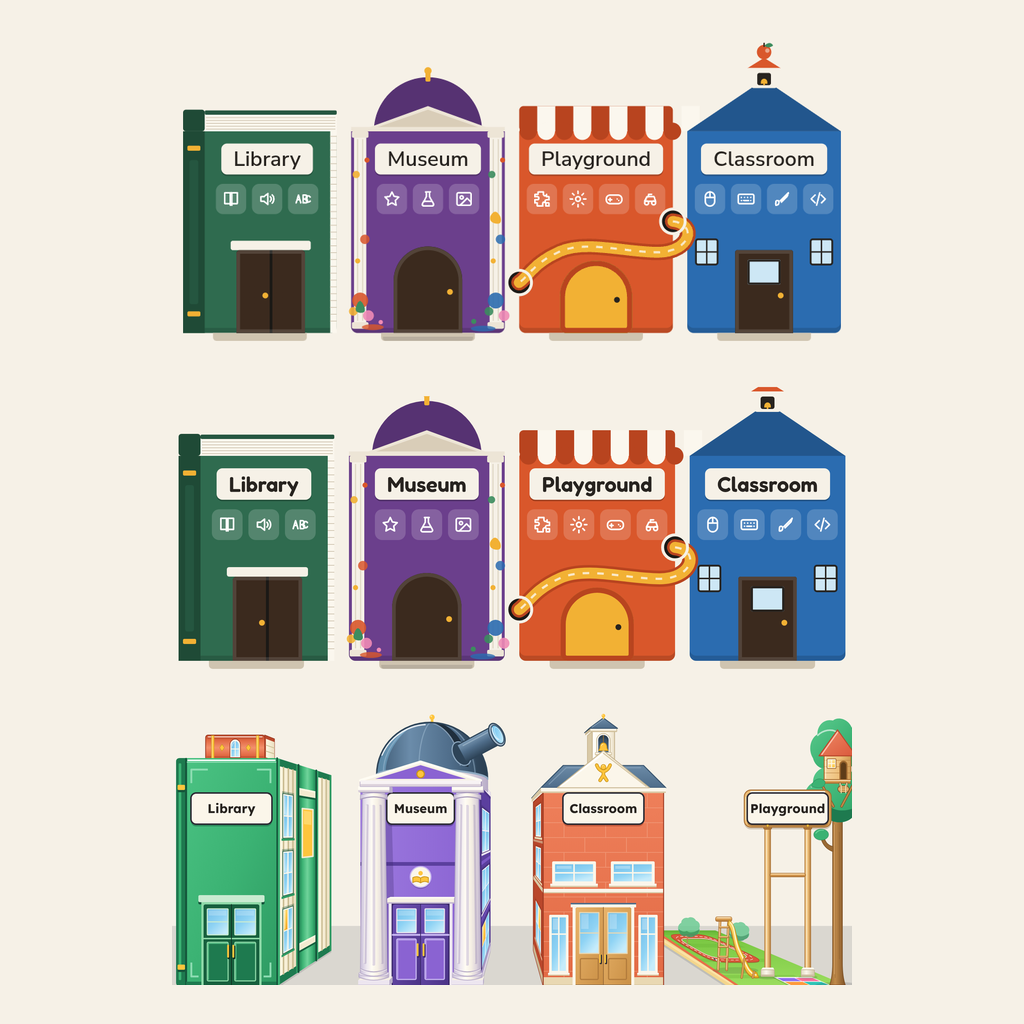
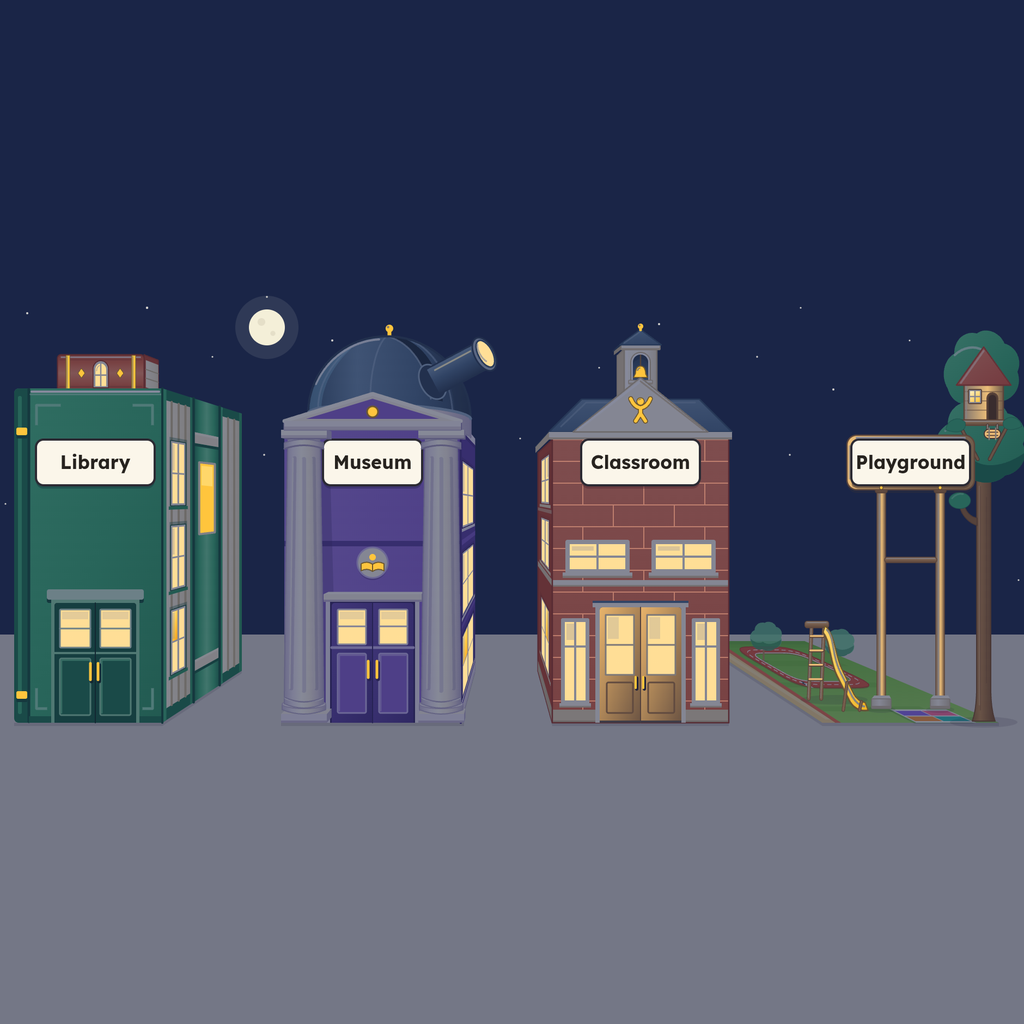
When Towndl starts, it shows a street with four buildings: a Library, a Museum, a Classroom, and a Playground. Each building has a room with shelves. Take a book off a shelf and a program opens. Pressing Done puts the program back on its shelf.
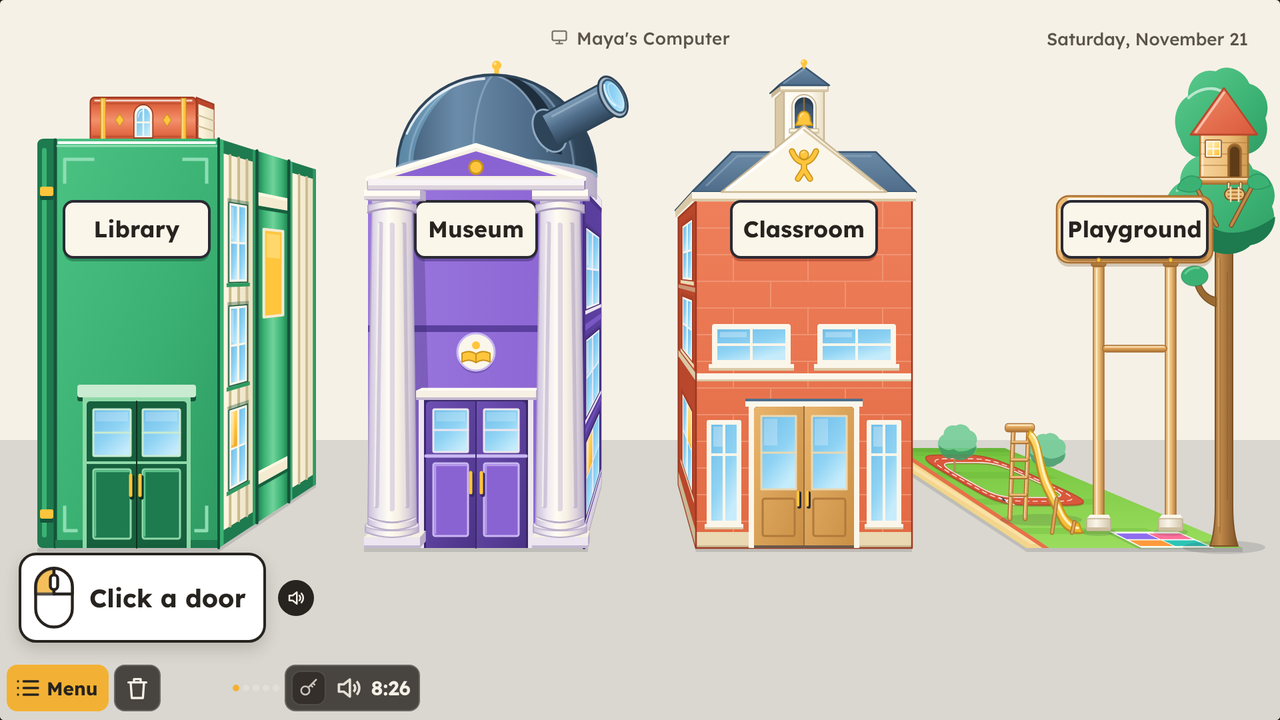
Towndl has programs for drawing, writing, typing, maths, making music, looking at the stars, and playing games.
- Towndl is offline. The child’s programs cannot reach the internet. A grown-up connects Towndl to the internet only to install or update it.
- Towndl is calm. Towndl has no ads, no points, no badges, and no pop-up messages.
- Towndl has no accounts. Towndl has nothing to sign up for and nothing to pay for each month.
- Towndl grows with the child. Towndl has a room for every school year, from Kindergarten to Grade 12. At Grade 6, a grown-up can turn on a desktop view that works more like an ordinary computer.
- Towndl carries a library. Encyclopedias written for young readers, picture books, and science activities are copied from the internet ahead of time and kept on the computer.
- Grown-ups have a PIN. Grown-ups can see which programs were used and for how long. Grown-ups cannot see what the child made or did.
Families used to keep a whole shelf of encyclopedias at home. Today, a whole shelf of encyclopedias fits on a drive you can hold in one hand.
What computers for kids should not do
Towndl has no subscriptions, logins, or ads.
Many apps today are built to keep you tapping, because the app earns money the longer you stay. Towndl is a kids’ computer that does the opposite of those apps. Towndl shows a child where the programs are and what each program does, and then gets out of the way.
How Towndl started
Towndl began with my cousin, who is in Kindergarten and needed a computer of his own. That computer had to be a real computer and not a tablet, with a keyboard a child can type on and a screen that shows what the child types.
A child should also feel free to press any button. On someone else’s computer, a wrong click can cause trouble. On a computer that belongs to the child, a wrong click should be no big deal.
A Raspberry Pi 4 bought for another project was already on hand. A Raspberry Pi is a tiny, low-cost computer, about as big as a deck of cards. On October 24, 2026, I sat down with Claude, an AI assistant, and asked for help making a “kid-friendly shell”. A shell is the part of a computer you see and click on.
Claude and I worked on Towndl for 29 days.
My cousin has not used Towndl yet. My cousin will get Towndl at Christmas 2026, or maybe a little sooner. This website will share what my cousin thinks of Towndl.
The name Towndl is said “TOWN-dl” and spelled T-O-W-N-D-L. The name Towndl was chosen on November 15, after a search found no company or product using the name.
Where Towndl goes next: beyond computers for kids
Towndl starts as a computer for kids. The idea behind Towndl can help other people too. The plans in this list are not built yet.
- Seniors may want a simpler computer with no ads and no subscriptions.
- Homeschool families may find Towndl useful, and what those families need is still being learned.
- People with a Raspberry Pi may want a different desktop for the Raspberry Pi.
- Anyone who wants an offline computer can keep files off the internet and can use a library that still works when the internet does not.
A person can still write, draw, learn, and build without the internet. Towndl is not hooked up to endless video feeds, and that is on purpose.
How you can help
- Towndl is free and open source. Open source means that anyone may read the code and change it. The code is on GitHub at github.com/CarletonTorpin/Towndl.
- Every post here will come with an update to Towndl. As people try Towndl and suggest improvements, each suggestion will be weighed before it goes into Towndl.
- Towndl does not need to be popular quickly. Towndl should be useful to each person who uses it.
Here is to Towndl, and beyond.