Towndl.org is the instruction booklet for Towndl. The booklet reads from the first page to the last page. Press Next to turn the page. Underlined words lead to the page that explains them.
Who Towndl is for
Towndl is a computer for a child today. A grown-up builds Towndl and stays in charge of Towndl.
- A child uses Towndl from Kindergarten to Grade 12.
- A grown-up sets Towndl up and uses the grown-ups’ menu.
- Seniors, homeschool families, and people who want a simple computer of their own are planned for. Those versions of Towndl are not built yet.
What you need
Towndl runs on a Raspberry Pi 4. A family also needs a memory card, a screen, a keyboard, and a mouse. The page Get it lists every part.
Setting Towndl up
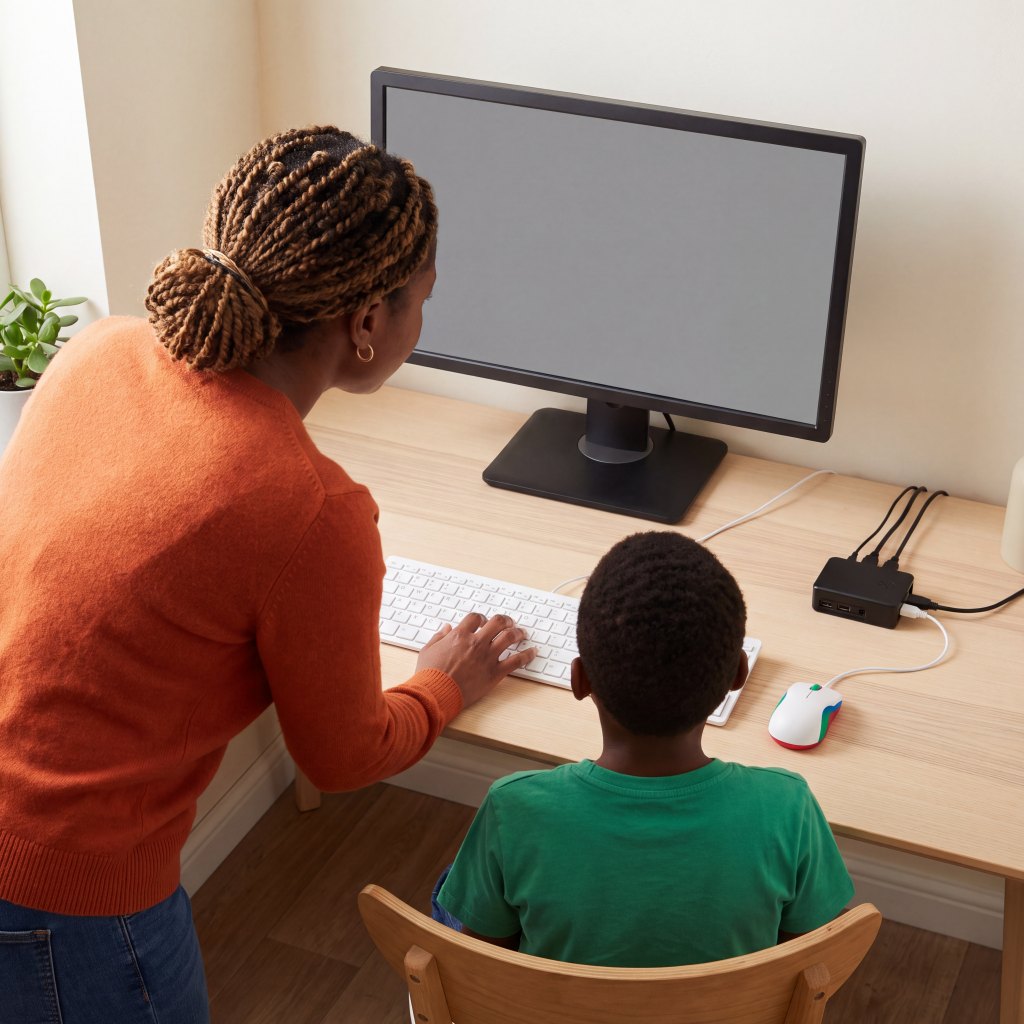
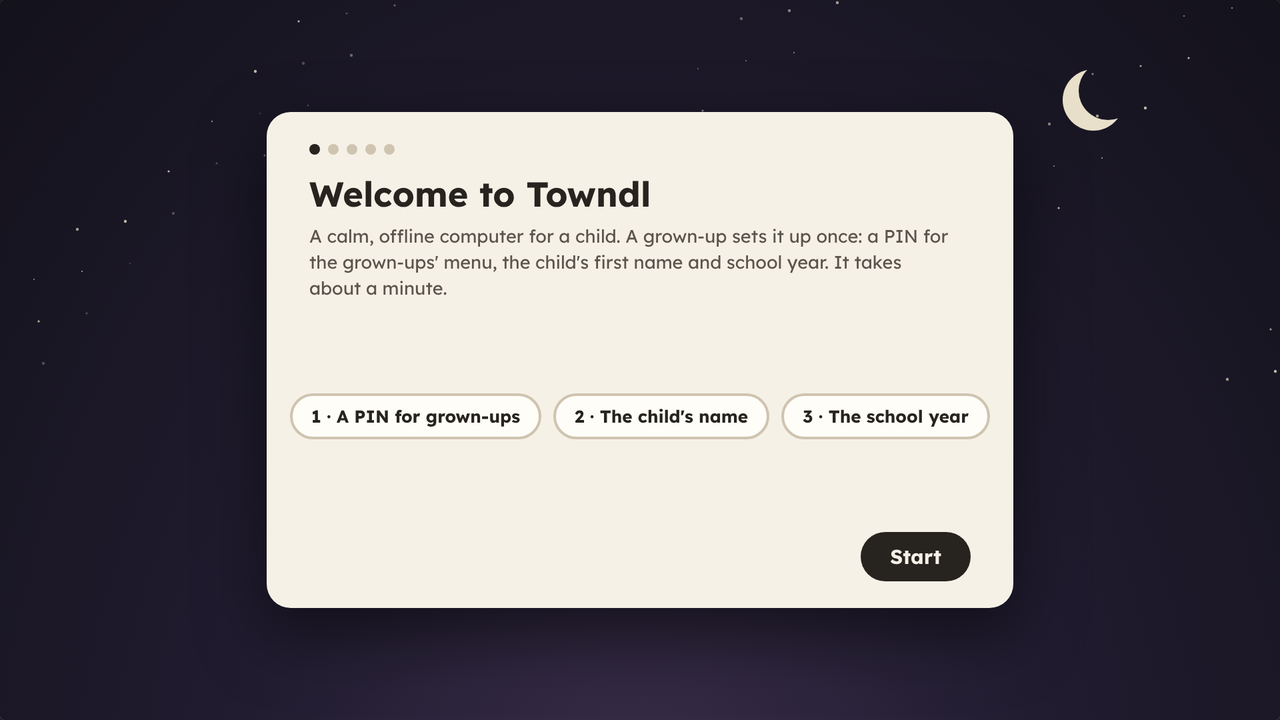
Setting Towndl up takes three steps.
- Get the parts.
- Put Towndl on the card. This step takes about 45 minutes, and it is the only step that needs the internet.
- Start Towndl and answer three questions: a PIN, the child’s first name, and the school year.
The page Get it explains each step.
Using Towndl
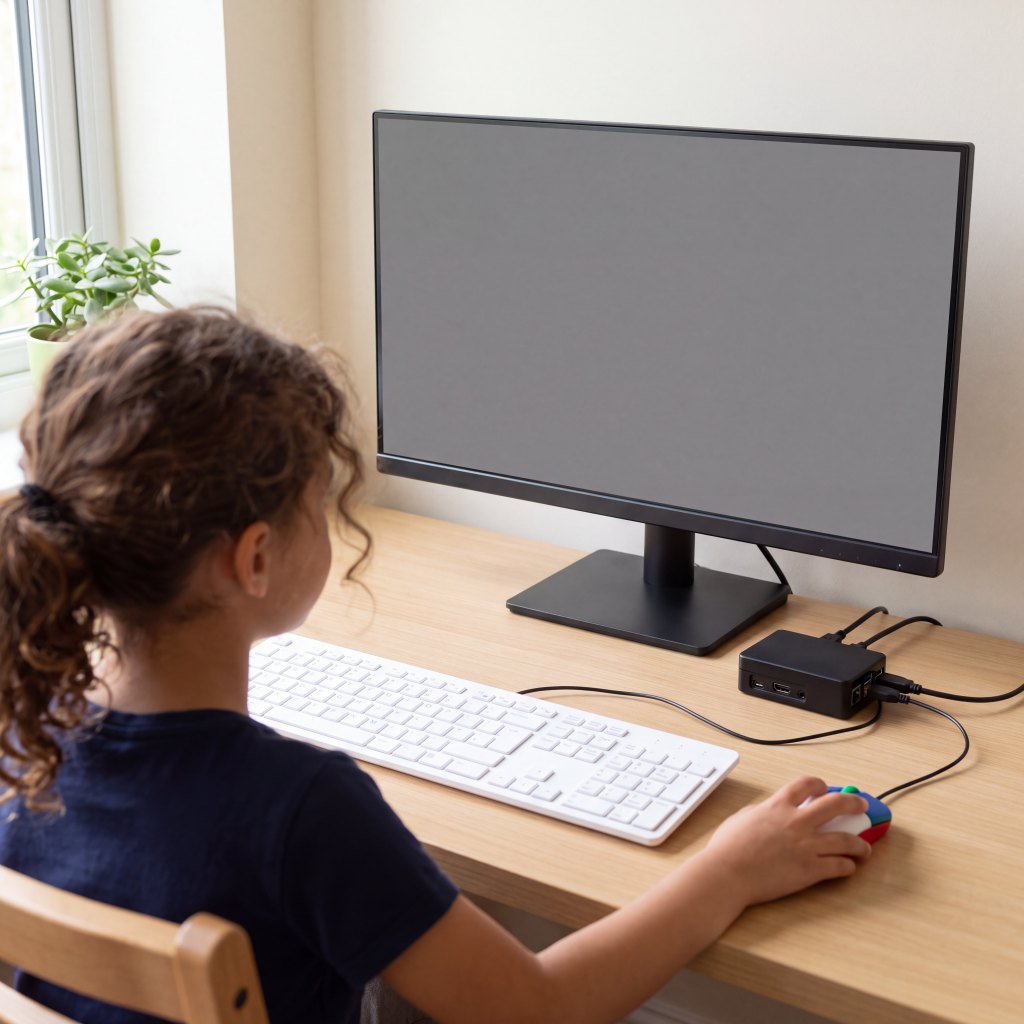
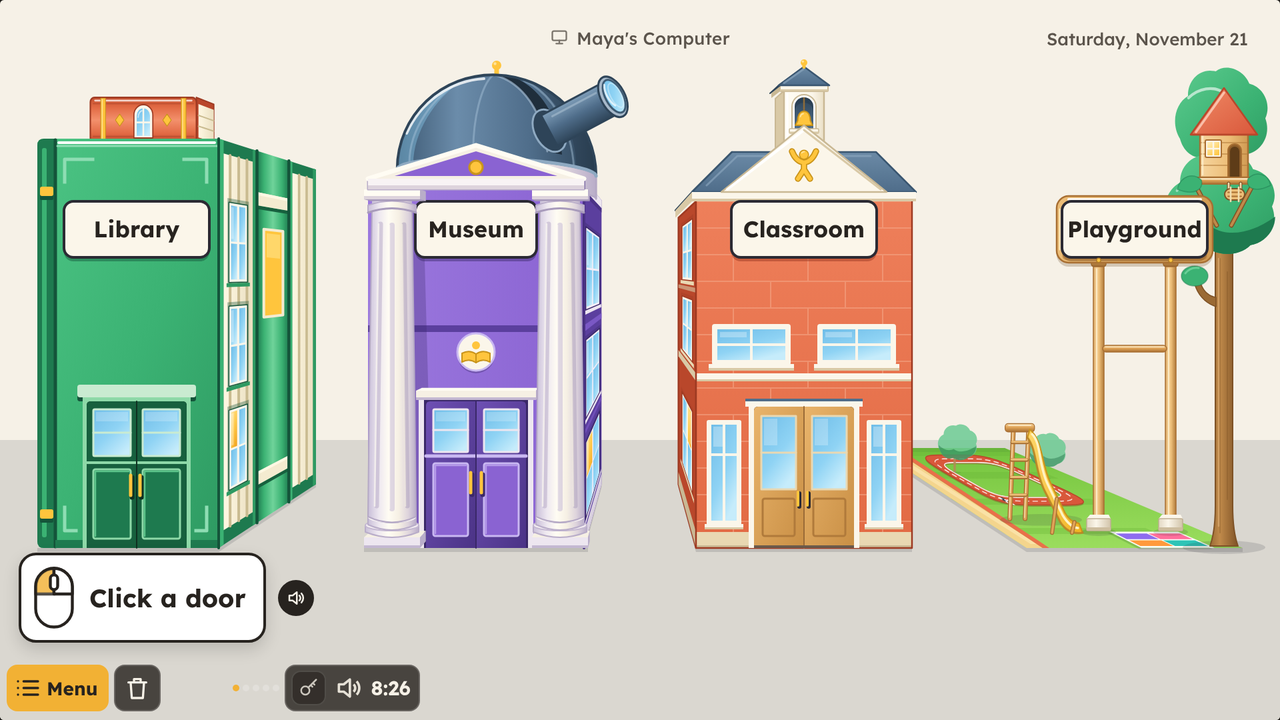
Towndl starts on a street of four buildings: the Library, the Museum, the Classroom, and the Playground. Each building holds shelves of programs. A child takes a book off a shelf to open a program, and Done puts the book back.
The page Grown-ups explains what a grown-up decides and what Towndl keeps.